

fzf: A command-line fuzzy finder 🌸
Hi 👋,
fzf is a command line tool that can be used to fuzzy search files, history, and command outputs. Check out the Github repository.
This is a tool that I wish I’ve knew about earlier in my career, and for this reason I decided to blog about it.
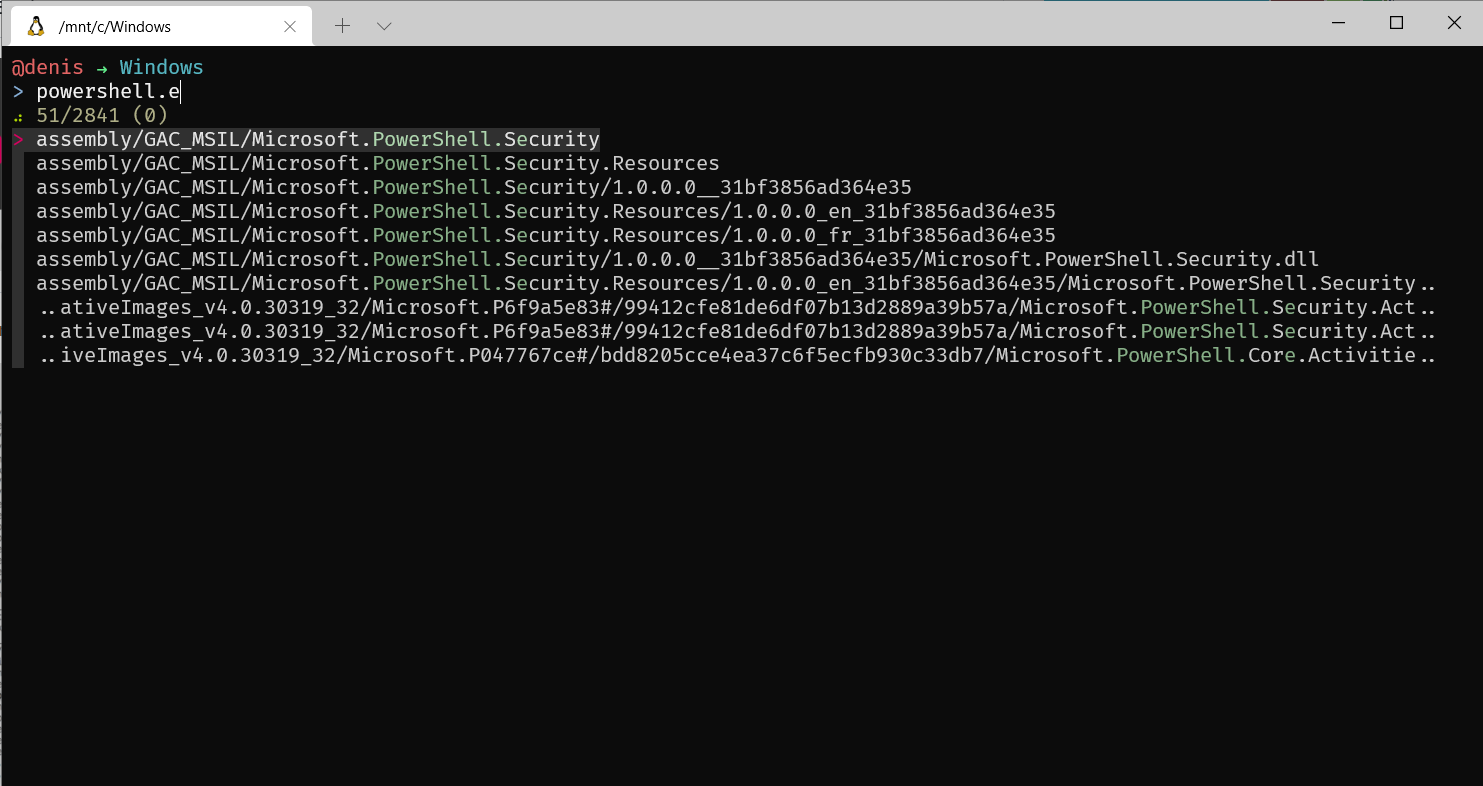 You can also set key bindings; some popular ones are:
` CTRL-T ` – Paste the selected files and directories onto the command-line
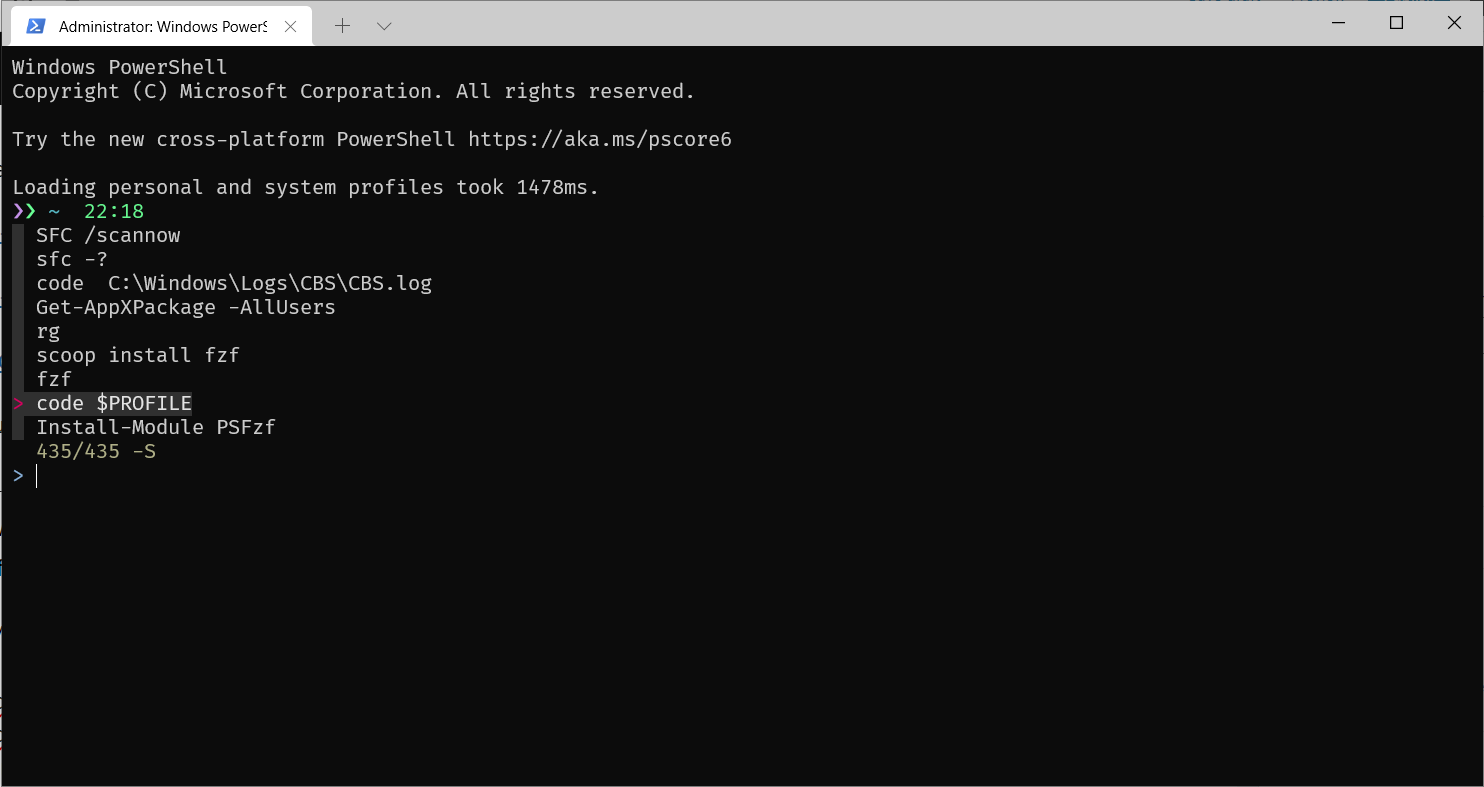
` CTRL-R ` – Paste the selected command from history onto the command-line
` ALT-C ` – cd into the selected directory
If you’re on Linux and want to try it, then installing it using Git is straight forward and it also sets up your shell and key bindings.
On Windows, to enable the key bindings you can install the PSFzf module by running Install-Module PSFzf in an admin Powershell.
Edit your $PROFILE file and add the following items:
Remove-PSReadlineKeyHandler 'Ctrl+r'
Remove-PSReadlineKeyHandler 'Ctrl+t'
Import-Module PSFzf
 Thanks for reading! 🍻