

Self Hosting a Calendar and Contacts server, Baïkal

Hello everyone! 👋
Welcome to another self-host article! This month we’re hosting a CalDAV and CardDAV server. Baïkal, the lightweight CalDAV+CardDAV server.
We’re going to host it in a Podman container on a Fedora server.
Why Baïkal
https://mastodon.social/@nuculabs/114048999903398979
Baïkal has multi-user support and allows you to create users from the administration interface and each user has his own Calendars and Contacts address books.
It can be configured with a SQLite database or PostgrsSQL.
It also has a nice admin interface that allows you to add and remove users.
How-To Self Host
I’m using Podman and Fedora Server running on my old PC as the host. The easiest way for me to automate the self hosting process is to write an Ansible playbook.
You will need ansible installed. On Fedora:
sudo dnf install ansibleThen the typical dependencies:
ansible-galaxy collection install community.generalansible-galaxy collection install containers.podmanansible-galaxy collection install ansible.posixIf you’re not on Fedora you can install Ansible by browsing the instructions.
Once you have all the dependencies installed you can clone the following playbook and edit
the variables in variables.yaml.
The playbook can be downloaded from my Forge.
setup_firewall: true # exposes the firewall portsbaikal: container_image: "docker.io/ckulka/baikal:nginx" port: 8069 # The port of the server base_directory: "/baikal" # the base directory /baikal data_directory: "data" # the data directory /baikal/data config_directory: "config" # the config directory /baikal/config mail: | defaults\n\ auth on\n\ tls on\n\ tls_trust_file /etc/ssl/certs/ca-certificates.crt\n\ account default\n\ host host\n\ port 587\n\ from [email protected]\n\ user user\n\ password pass\n\Once you’ve downloaded the playbook and edited the variables. You will need to configure
your webserver by editing inventory.ini.
Ansible will connect via SSH to example.com and using the user nuculabs which has sudo access.
[nuculabs]example.com ansible_user=nuculabs[local]localhostOnce the inventory is configured you can run the playbook by running:
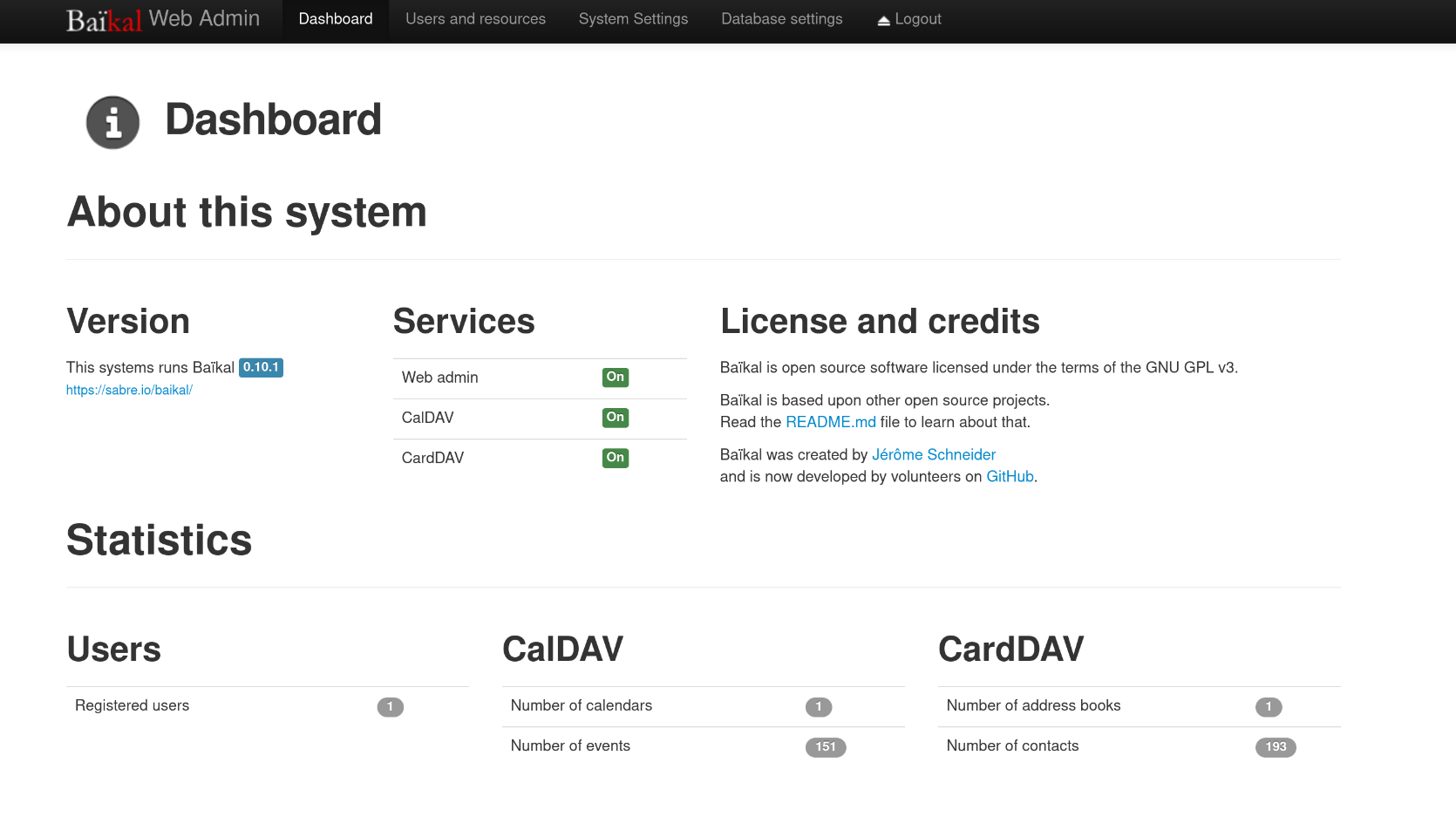
ansible-playbook -i inventory.ini playbook.yaml --ask-become-passWhen the playbook finishes, you should have a running Baïkal instance. You can then finish the installation by visiting example.com:8069 (the configured port).
I personally don’t expose the fedora server over the internet. I use a reverse proxy in front on it for services tha are being exposed. Baikal is not exposed in this instance, only accessible by VPN.
That’s about it!
Thank you for reading!