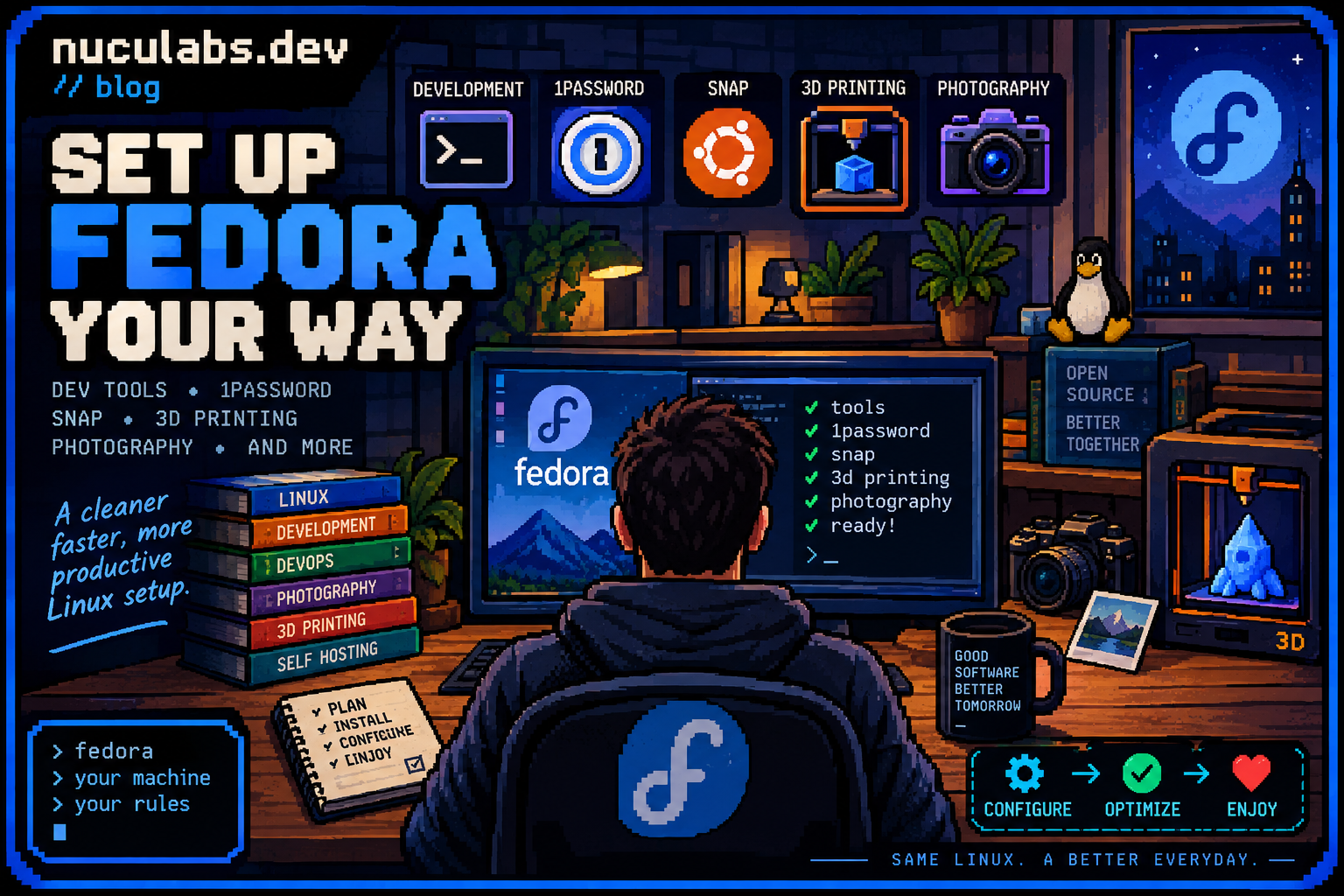

Automating my Fedora setup
Hi everyone!
I got inspired lately by Omarchy to create a script for my own use case and that is to automate
my Fedora setup. Thea idea is similar to the omakase sushi which means “I’ll leave it to you”, instead of ordering
individual pieces the sushi chef knows best what and how to serve.
I’ve created this script with codex and I’ve published it on my Gitlab and Github account:
The script is tailored to my liking and it sets up the following:
Development Environment:
- Python and uv and pyenv
- Ruby and rbenv
- NodeJS and nvm
- Go
- Rust
- Java and sdkman
- Docker
- Helm
It also sets up the shell to zsh and installs oh-my-zsh.
Software applications such as:
- PrusaSlicer for 3D printing
- CAD Software: KiCAD, FreeCAD
- Snap
- Obsidian
- 1Password
- Codex
- Hey Mail
- VLC
- qBittorrent
- Steam
- Zed
- VSCode
- IntelliJ
Other than that it tries to detect which drivers to install for the system, it installs them along with extra codecs, and it enables hardware acceleration. It also prepares the directory structure for mounting my NAS.
That’s about it! Before having this script I had to spend a few hours to install and search for all this software in order to set up my system to my liking, and now it’s jus a few minutes.
Thanks for reading!