
How to document a project with MkDocs 📹
Hello,
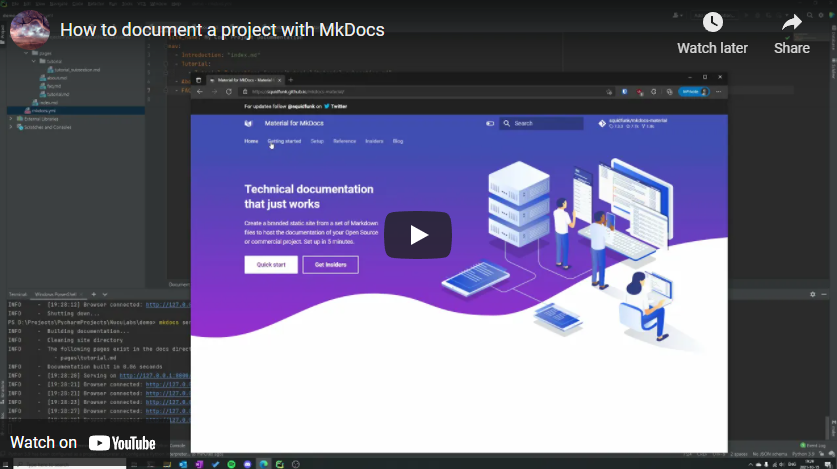
Welcome my third video tutorial, this time, on how to get started with MkDocs.
In this video I try to give you a basic overview of MkDocs and a configuration consisting of the material theme and search plugin.
https://www.youtube.com/watch?v=X-LbOBAd-xg
Config
The MkDocs configuration used in the video.
site_name: My Cool Project Documentationtheme: name: material features: - search.suggest - search.highlight - content.tabs.linkplugins: - searchnav: - Introduction: "index.md" - Tutorial: - Tutorial Subsection: "pages/tutorial/tutorial_subsection.md" - About: "pages/about.md" - FAQ: "pages/faq.md"markdown_extensions: - attr_listDocker Deployment
When you’re ready to deploy your documentation website, say in Docker with Nginx the following Dockerfile and Nginx default.conf should do.
Dockerfile
FROM python:3.9 as builderWORKDIR /appCOPY . .RUN pip install mkdocs mkdocs-material && mkdocs buildFROM nginx as deploy# Copy the build to the nginx directory.COPY --from=builder /app/site/ /usr/share/nginx/html/# Copy the nginx configuration to the nginx config directory.COPY default.conf /etc/nginx/conf.d/EXPOSE 8080:8080/tcpdefault.conf
server { listen 8080; root /usr/share/nginx/html/; index index.html;}I thought that making videos will be easier that typing blog posts but to my surprise the difficulty is a bit higher. Fixing mistakes takes more time with videos and since I’m not that great of a presenter I struggle with presenting the content. Hopefully I will improve my skills with time and practice.
Thanks for reading! 🍻